← Back to web
🚀 KASM Workspaces
A DaaS rollout to replace an expensive Citrix-style desktop setup with a simpler, more cost-effective platform that kept the same day-to-day workflow.
What I delivered
The goal was straightforward: keep what users already knew, remove the parts that were costing a fortune. The replacement needed to feel familiar, support existing identity, and handle files cleanly without building a whole new IT universe.
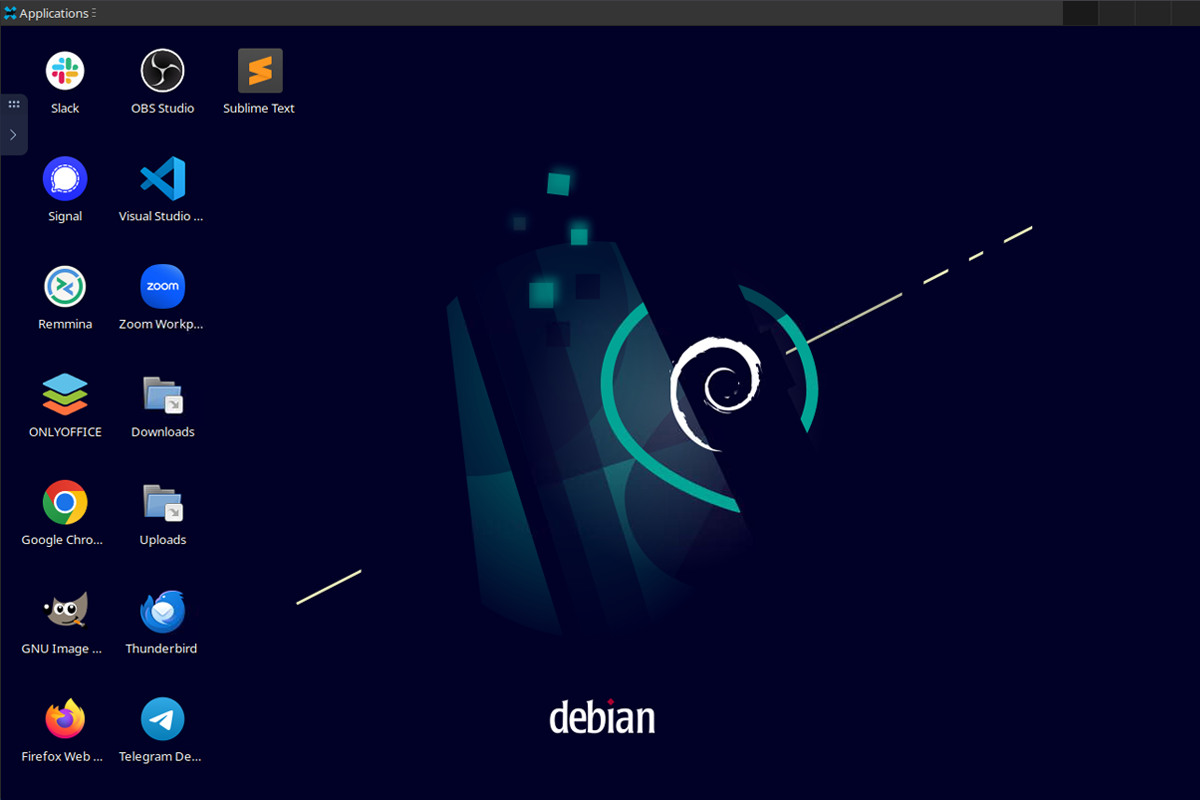
- Citrix-like desktop experience using Linux sessions (browser, Telegram, and a lightweight toolset).
- Jumpbox workflow via Remmina for RDP access, matching the existing access pattern.
- SSO with Active Directory accounts so there’s no separate credential system to manage.
- Roaming profiles so users keep their environment across sessions.
- Storage integration using OneDrive with per-user shares, plus mapped access to existing on-prem SMB shares via OneDrive.
Process
- Discovery: review what Citrix was actually used for and which features mattered.
- Optioning: compare realistic alternatives and recommend KASM as the best fit for the workload.
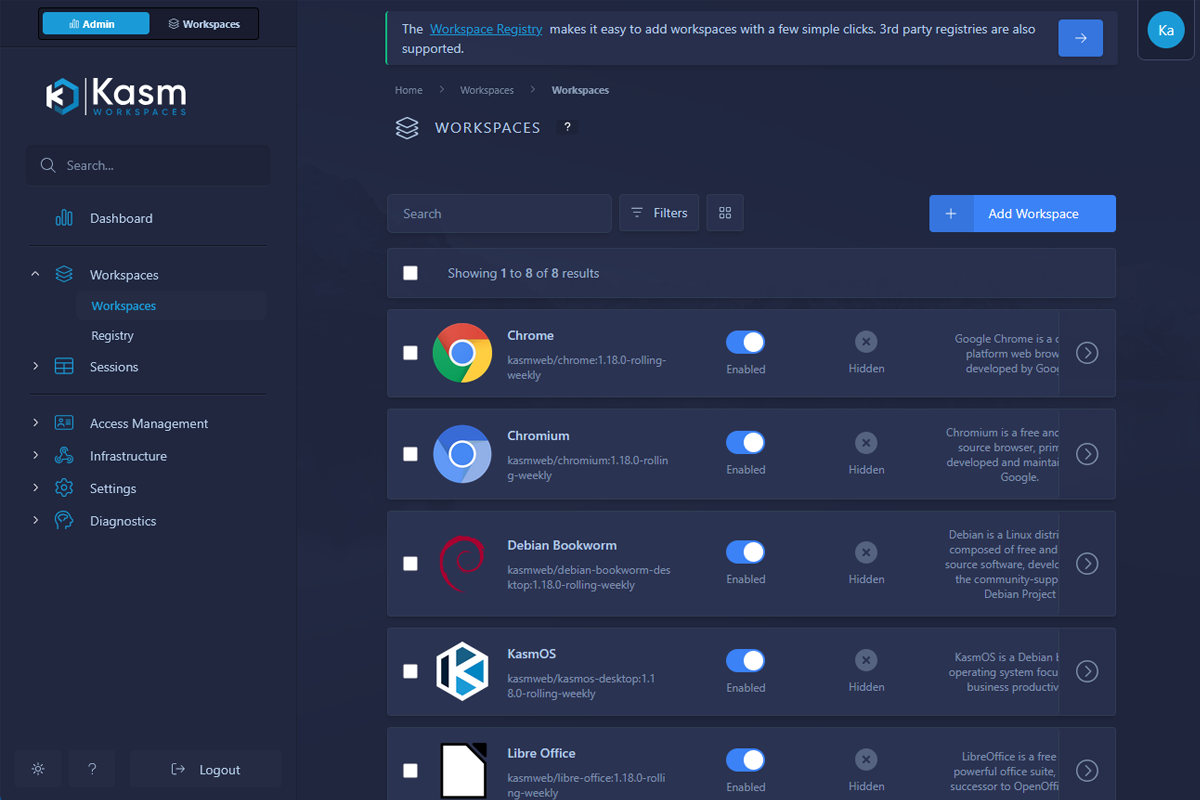
- Buildout: set up workspaces, users, profiles, and storage access.
- Identity: wire up SSO against existing Active Directory so onboarding stayed simple.
- Validation: test the “normal user day” and ensure the replacement matched the old functionality.